

1. Open the Transfer Calculator
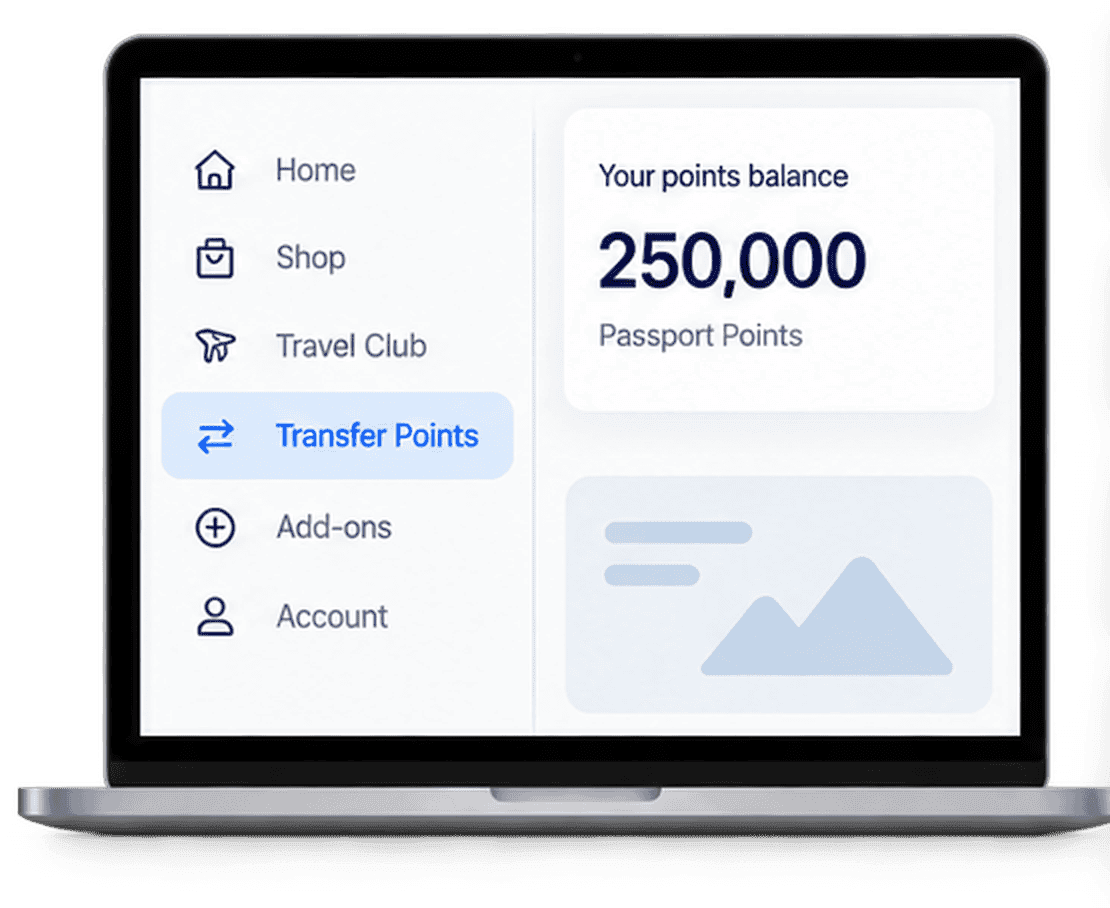
Log in to your Passport account and navigate to Transfer Points.
Explore the available loyalty programmes and discover how far your Passport Points can take you.

2. Choose your transfer partner
Browse the available airline and hotel loyalty programmes and select your preferred partner.
Each option displays its conversion rate, minimum and maximum transfer amounts, and transfer increments.
Click Transfer to [Partner] to continue.
3. Calculate your points transfer
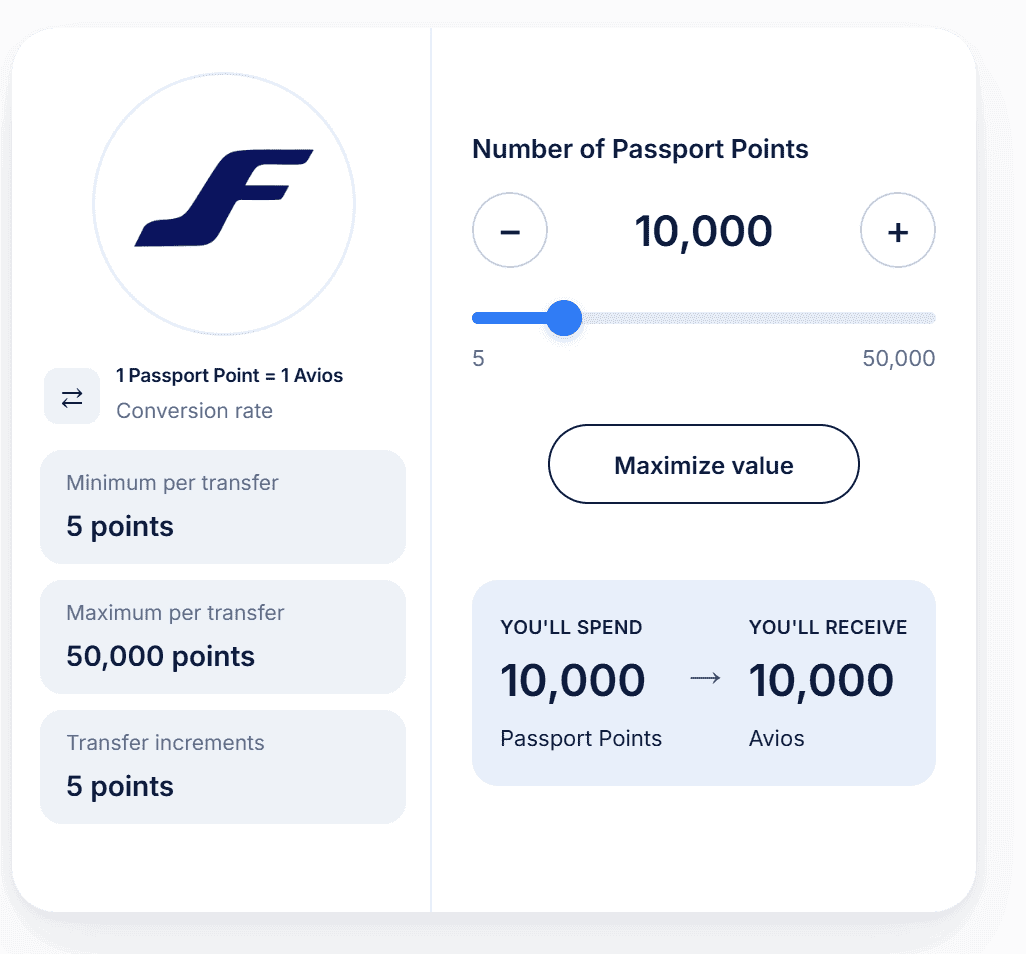
Use the interactive calculator to choose how many Passport Points you'd like to transfer.
Adjust the amount using the slider or plus and minus buttons, or select Maximise Value to make the most of your available balance.
The calculator automatically shows how many partner points or miles you'll receive.
4. Review your transfer
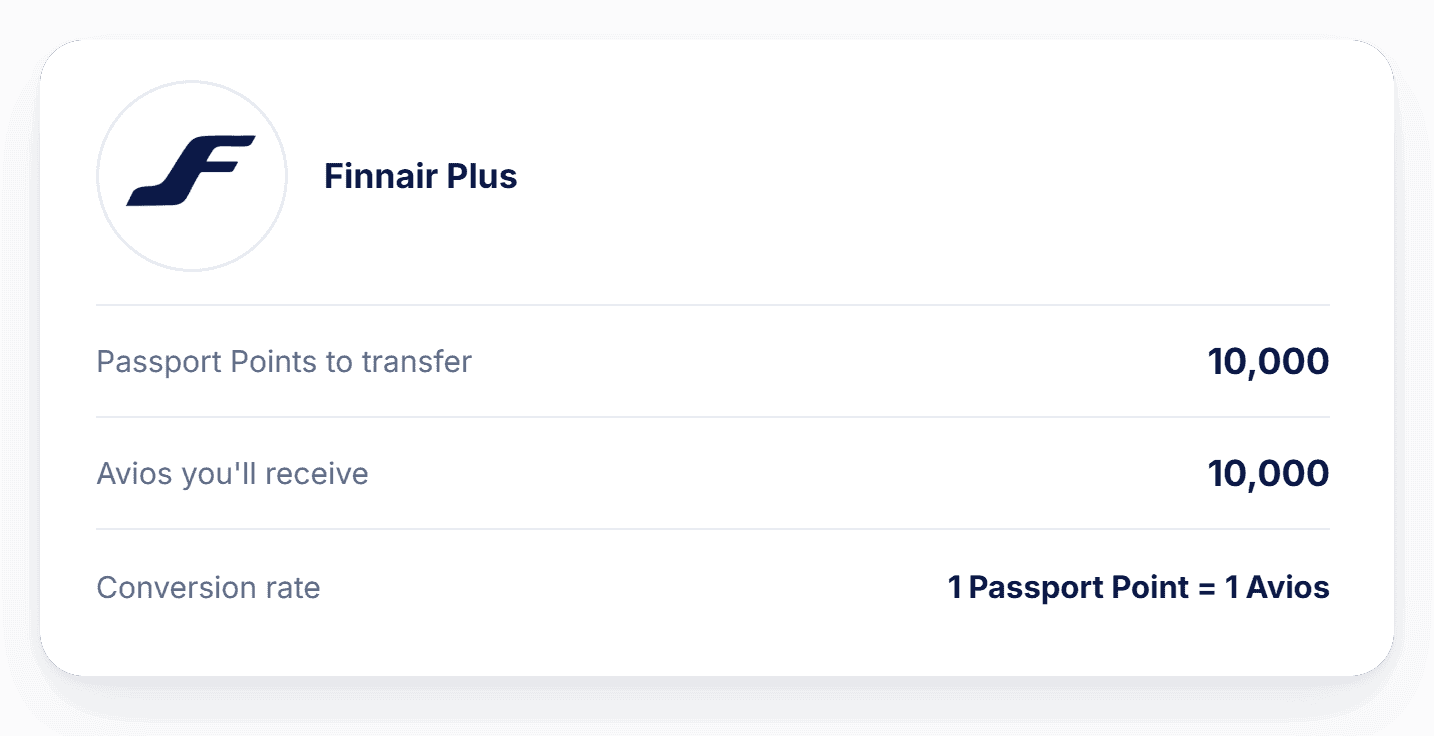
Check your transfer details before proceeding.
You'll see the number of Passport Points you're transferring, the partner points or miles you'll receive, and the applicable conversion rate.
Make sure everything looks correct before continuing.
5. Complete your transfer
Once you’ve checked that all the details are correct, hit the Confirm button and you’re done.
You can track the transfer status in your dashboard; you’ll also receive an email confirmation once the transfer is complete.
Ready to Redeem?
Whether it’s a flight upgrade, a hotel night, or a premium reward, transferring your points puts you in control.